


Gaia
“Think quiet power.”
The Challenge
In 2023, there was another Epic Games challenge called Spellar Performance, which focused on showcasing effects — particles, magic FX, etc.
The Goal
Again, I wanted to use this opportunity to learn some new tools, and the challenge was oriented around FX — which basically means Niagara. The thing was, at the time, I wasn’t really interested in learning that :) I wanted to look more into Metahumans. So I had to figure out a way to merge those two topics.
- Learn more Unreal as usual
- Metahumans basics
- FX — Niagara
The Story
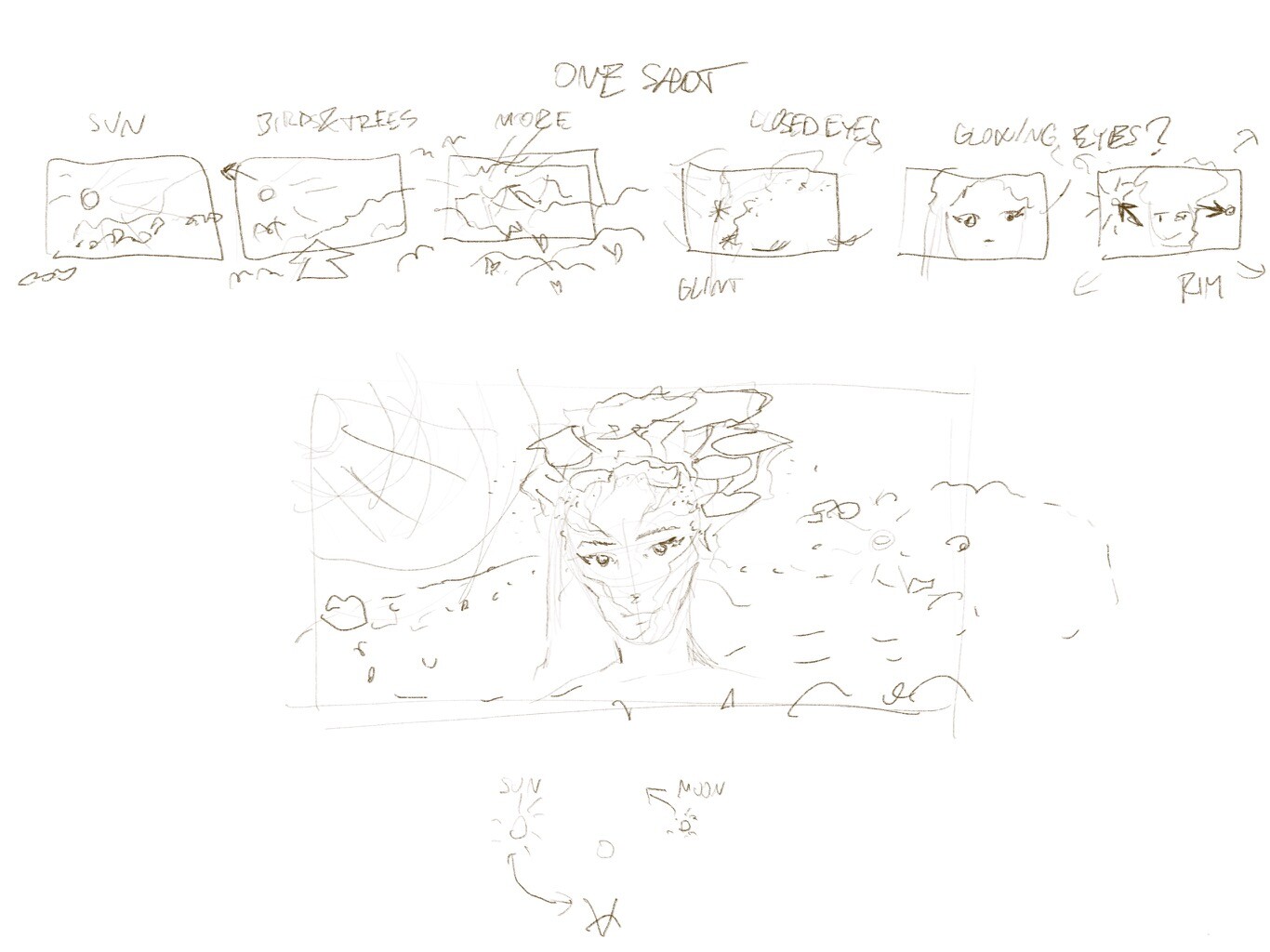
I actually didn’t want to do a story for this one. It was really just a showcase, but there had to be some concept — some idea that drives the visuals. I knew I wanted to do a portrait. A portrait means a photoshoot — like the ones with actors for magazines like Variety, etc. Cool.
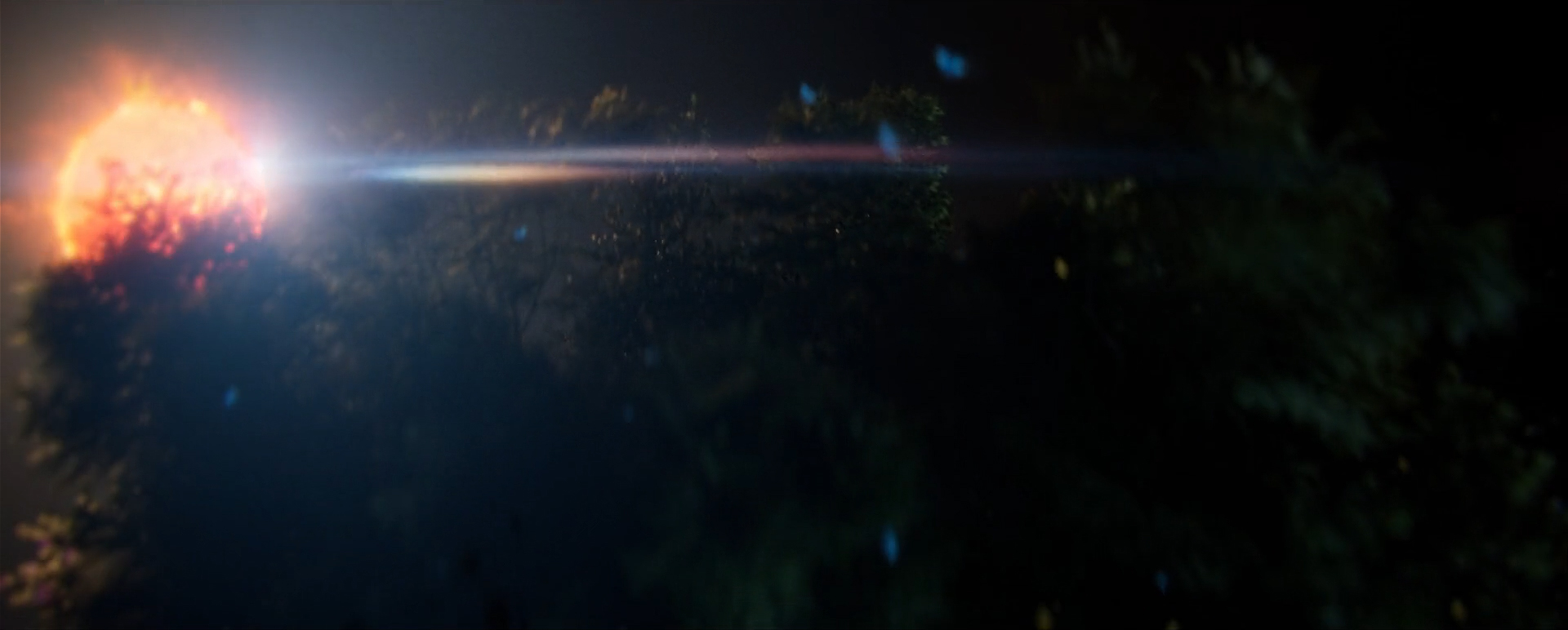
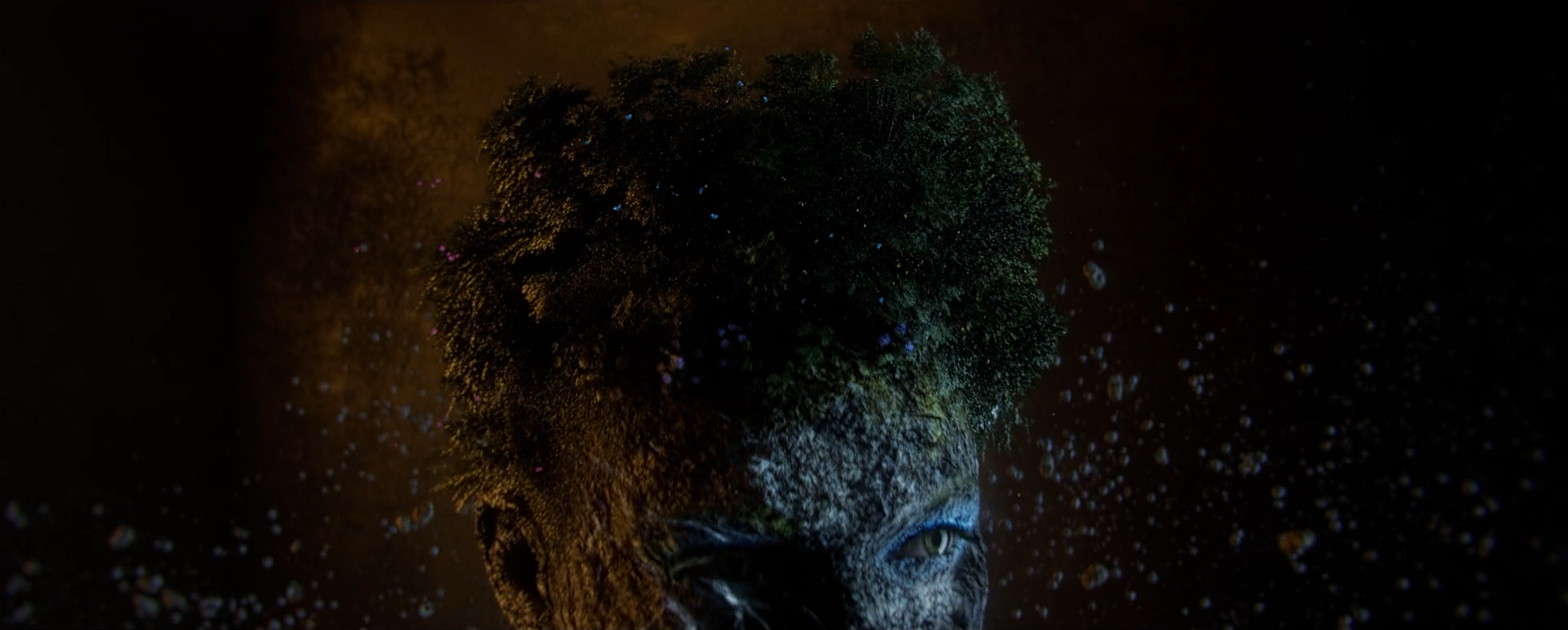
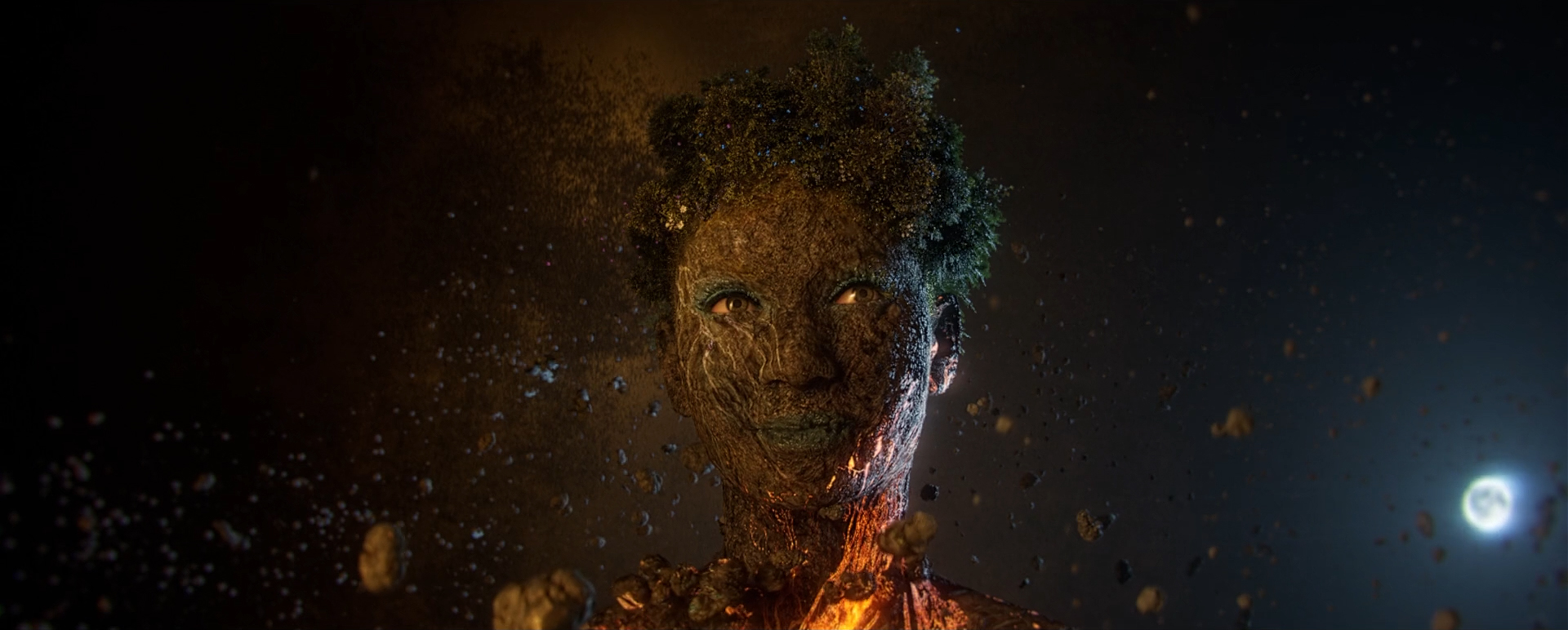
But what about the particles? I really don’t remember now how I came to the idea of the “Earth” being literally the subject of the shoot... But that would mean I can do particles like birds and butterflies around trees — which would mean that the jungle is her hair for example.
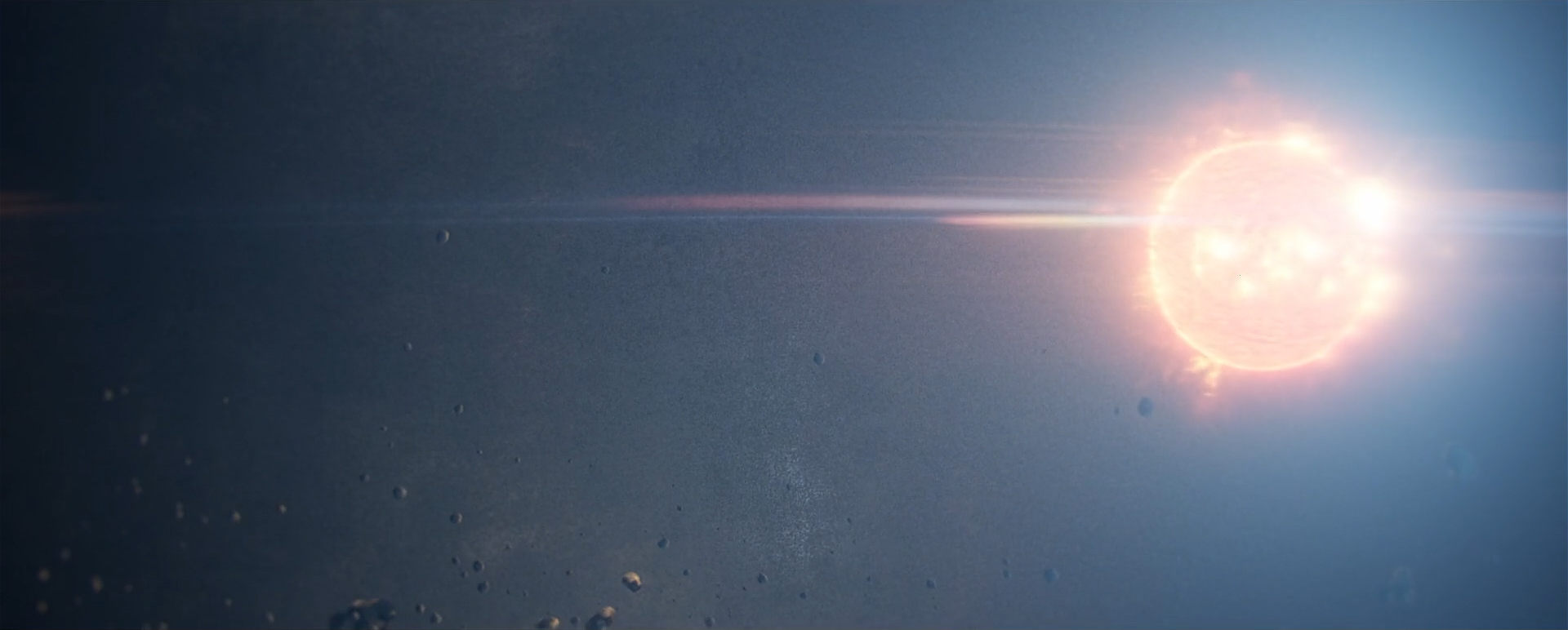
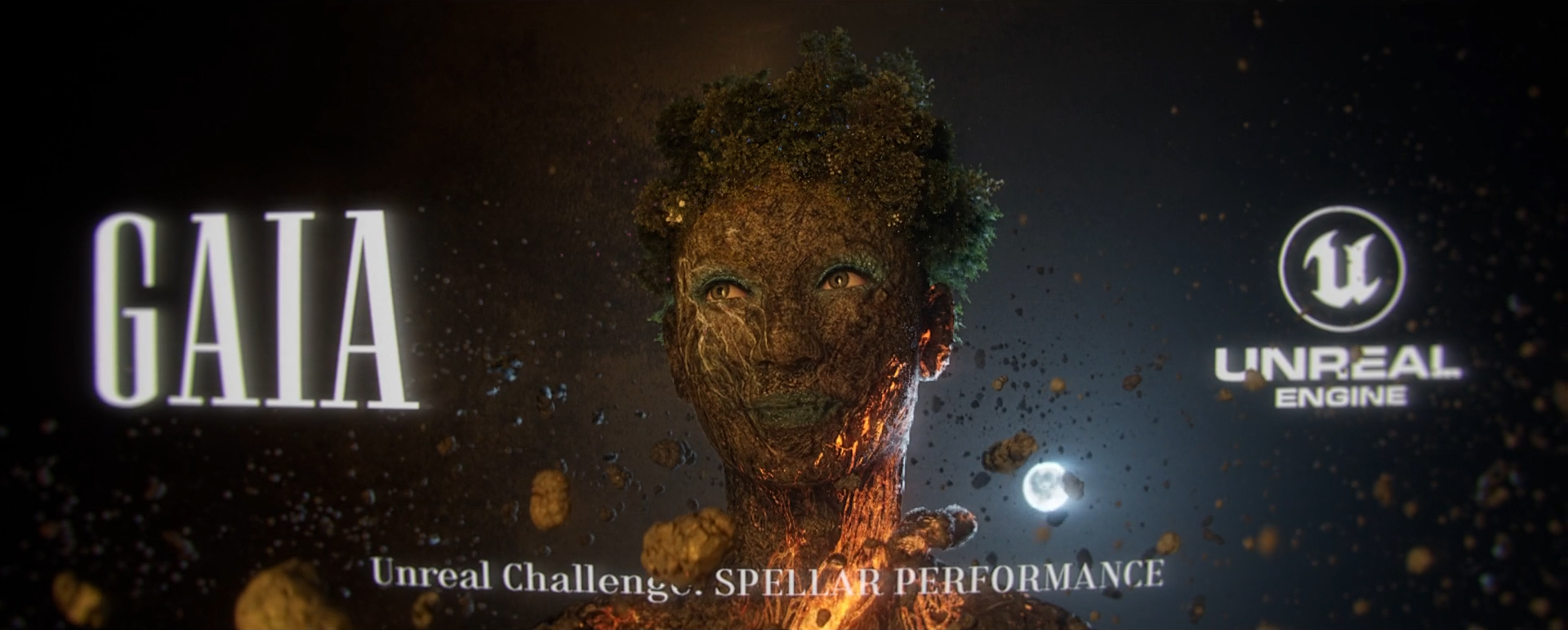
And then what else? What if you can also see how the Earth was formed? That would mean her skin is stone and dirt, but there’s still lava inside her, and there could be asteroids going around her. Cool.
And that would mean I could use the actual sun and moon to mimic the studio lighting. Got it!
The Metahuman & Gaia Design
I liked the Metahumans lighting sample from Greig Fraser. Yup, THAT Greig Fraser - he fucks with UE quite a lot on his projects. Very simple lighting setups in this sample, but so well balanced. I started from those scenes just to have a base — and slowly but surely, I threw everything out from that scene :) But it was a really good starting point, rather than an empty void of a scene.
I used the Metahuman Creator web interface and got it into UE. Which would be done directly in the engine nowadays.
I’m not sure now how I did the skin material… but I think I actually used the Quixel Mixer tool to blend a couple of Megascans materials together and painted certain areas on her face.
But the streaks of lava — I didn’t know how to create those in 3D, so I exported the Metahuman face unwrapped texture into Photoshop and just created it there. The lava needed to move a bit, so that was done as a simple animation in After Effects and loaded back into UE as an animated texture — controlling the playback in Sequencer. I added some river delta textures around her eye as well.
The FX
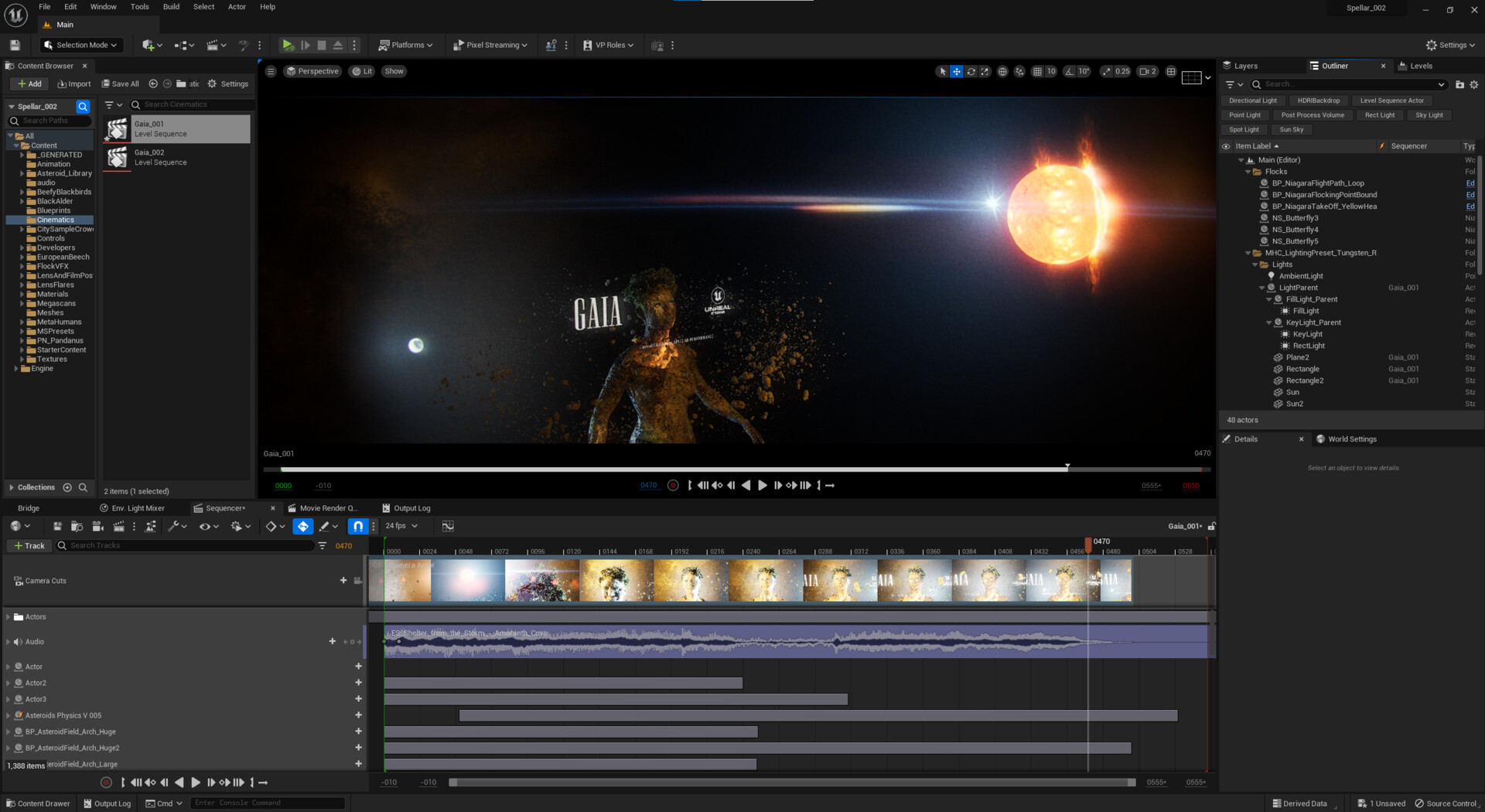
I knew I needed butterflies or birds. I found a cool FX pack for butterflies and tweaked it. That gave me at least some experience with Niagara, but I needed something for the asteroids. And ideally, not just spinning around — I wanted to have an element that mimics the formation of the planet — rocks hitting each other to form the surface and validate the lava design. In the end, the idea morphed into asteroids moving around her neck, rolling upwards — both showcasing gravity pulling them towards her, but spinning at the same time.
I knew I wouldn’t be able to do that in UE, so I used Blender instead and learned the basics of rigid body collisions. I exported the simulation as Alembic to UE for final assembly. The rest of the asteroids in the envirnment was from the Asteroid Library pack.
The Conclusion
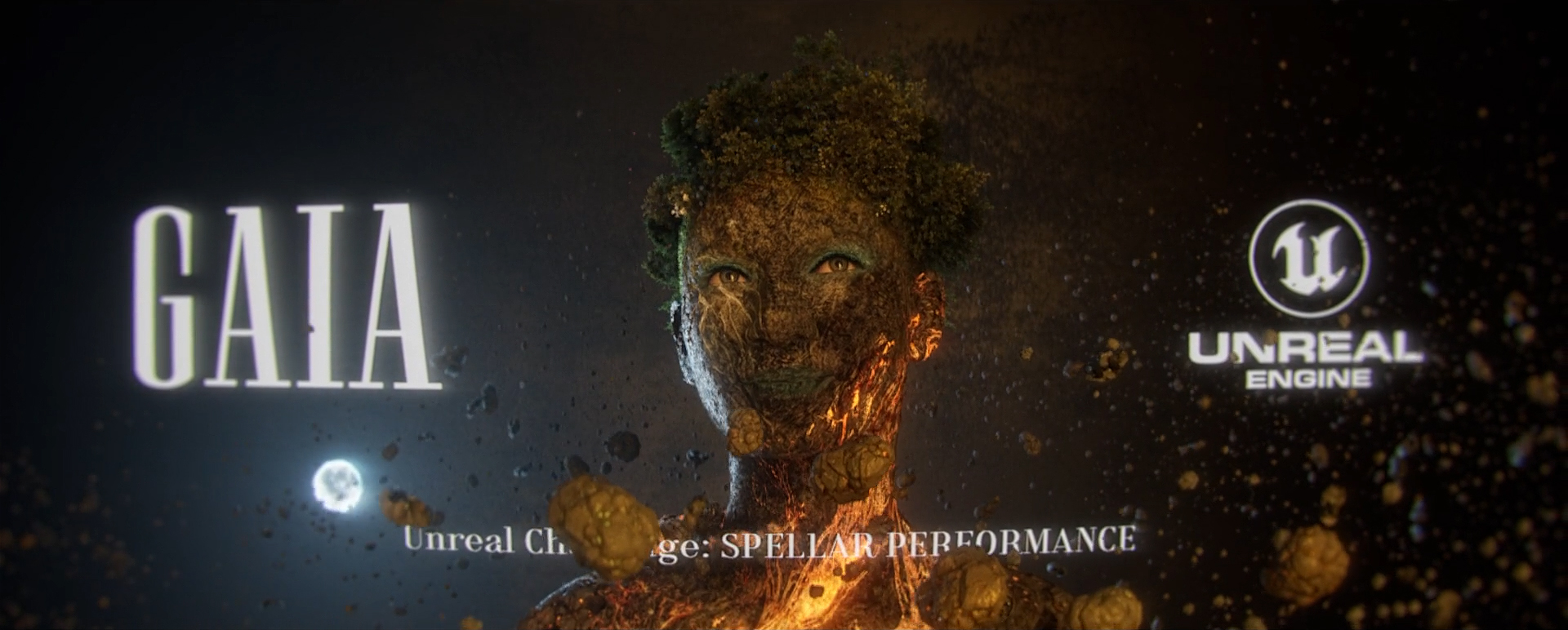
The winners were awesome as usual, please check them out! I tried to keep it very simple and elegant. So the whole thing was just one camera move, simple face animation from the Metahuman idle sample, and chill music. I added text around her as well to mimic a magazine cover with titles.
In contrast to my other personal projects, this one has actually a calming effect :)
Thanks for checking out the project!

© 2026 ROBOT BARON